Messages
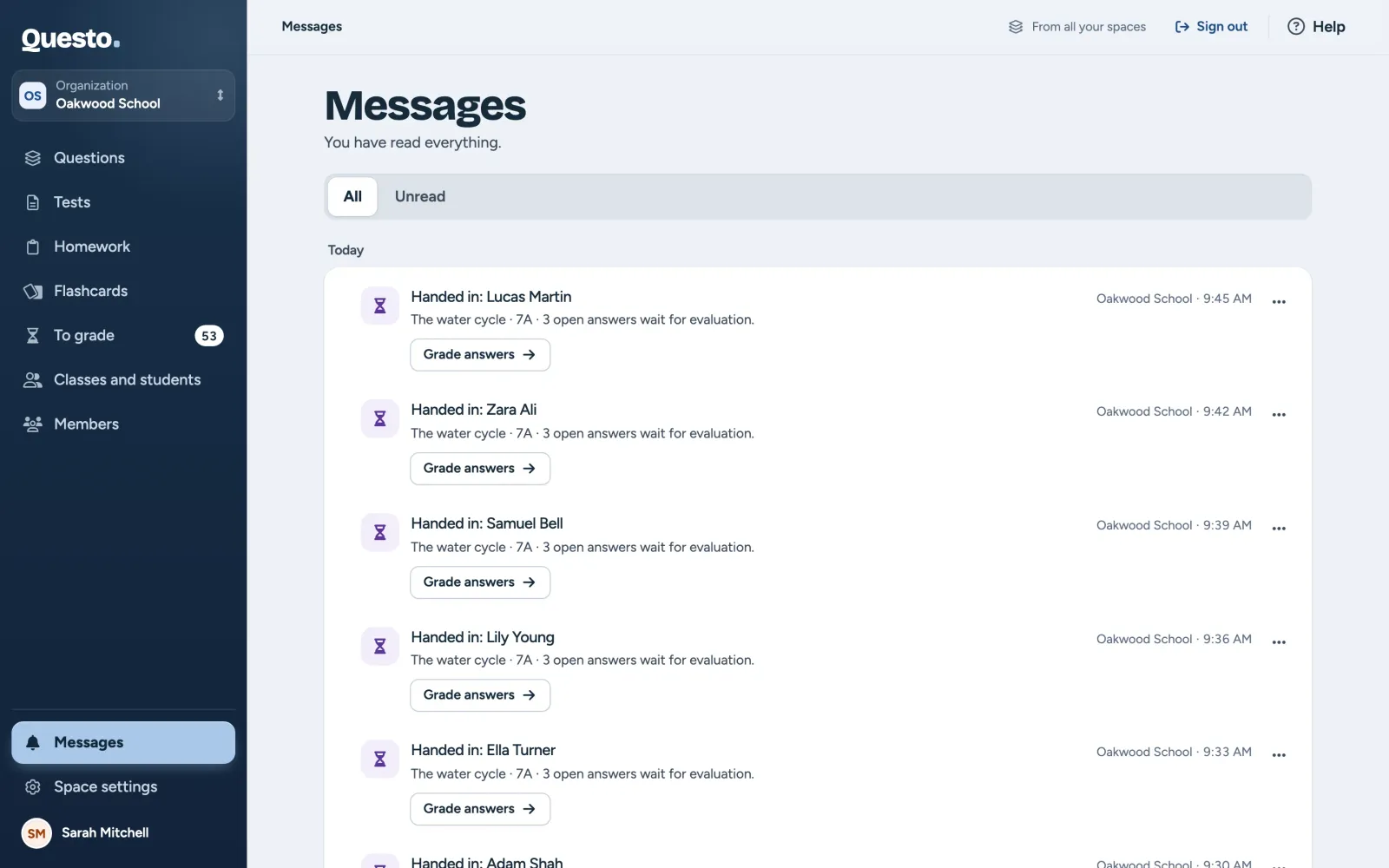
Notices about handed-in tests and homework, being added to a space and messages from the Questo team, from all your spaces in one place.
On this page2
Messages is at the bottom of the navigation on the left. The number next to it shows how many messages you have not read yet. Messages come from all spaces you are in, and each one shows which space it is from.
What messages you get
Most messages have one button that takes you where you deal with them:
- a test handed in (by one student, or a summary once everyone has handed in): Grade answers when answers wait for your grading, otherwise Show results,
- homework handed in: Open the work,
- being added to a space: Switch to the space,
- a new version of a legal document (the terms of service, say): Read the document opens it on the website,
- a message from the Questo team (news or planned maintenance): Open, when the message links somewhere.
Handed-in tests and homework are also in To grade (see Grading).
Read and unread
- A message’s button opens it and marks it as read.
- A message’s menu switches between Mark as read and Mark as unread.
- Mark all as read at the top marks every message at once. The notice that follows lets you take it back with Undo.
- The Unread filter shows only the messages waiting to be read; All shows every message again.
Messages are grouped by day, the newest at the top. Load older ones with Load older messages at the end of the list.